

School Portal
Welcome to the My Acts of Kindness School Portal.
This is where participating schools can access their program resources, download the toolkit, manage school details and order printed materials for their school.
What You Can Access in the Portal
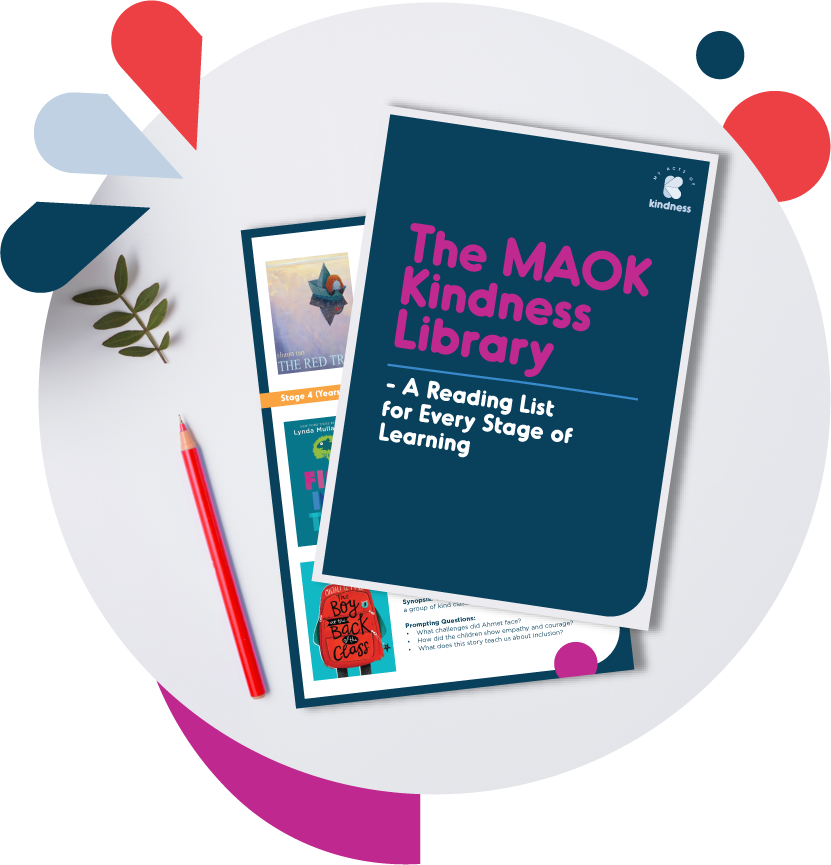
Once your school has signed up, the portal gives you access to the core resources needed to launch and run the MAOK Schools Program.
Inside the portal, schools can access:
The full MAOK Schools Toolkit
Classroom resources and daily prompts
Assembly scripts and launch materials
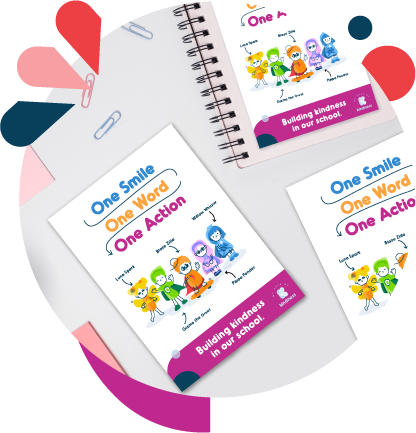
Posters, certificates and printable resources
Character-led learning materials
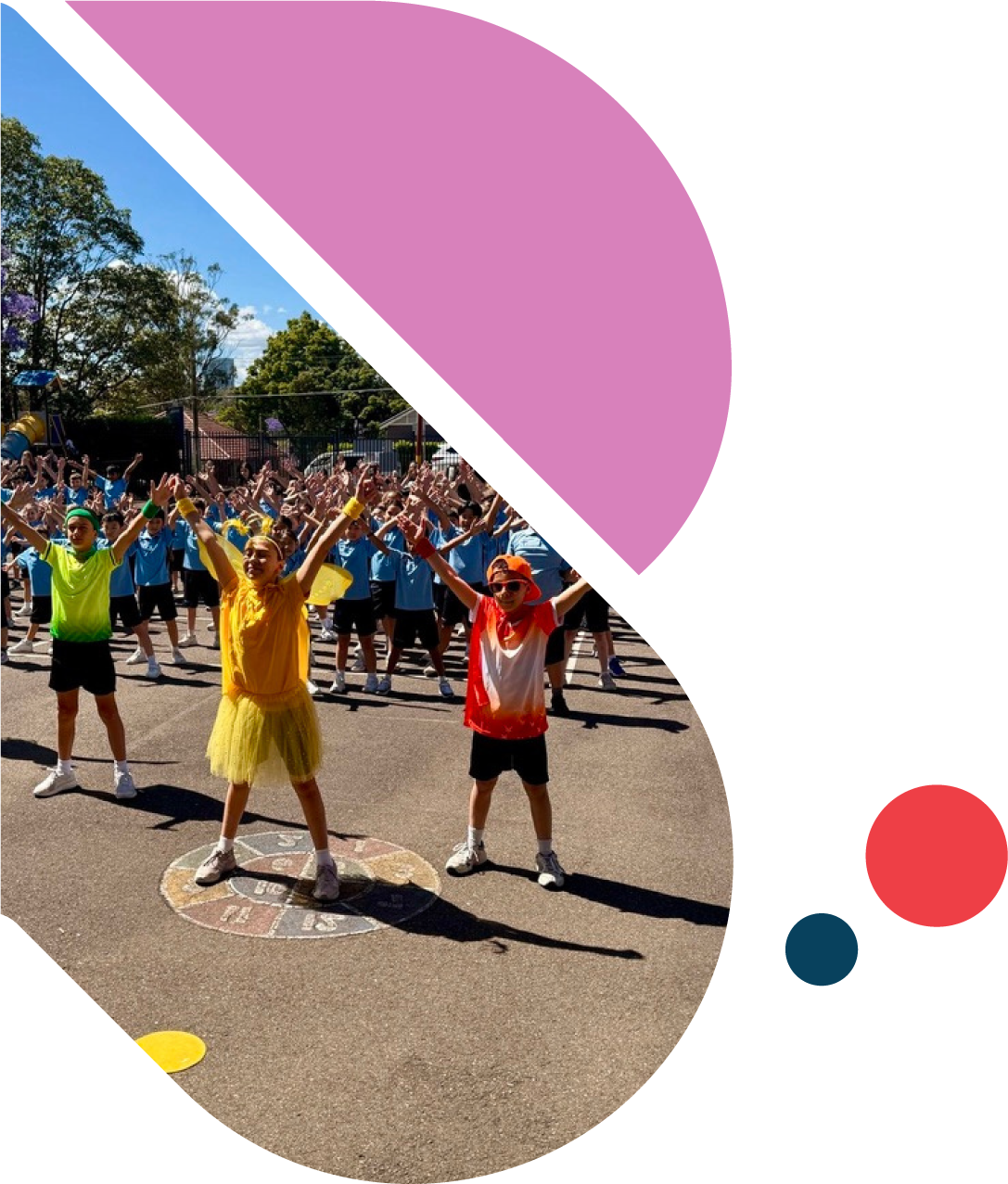
Anthem and dance resources
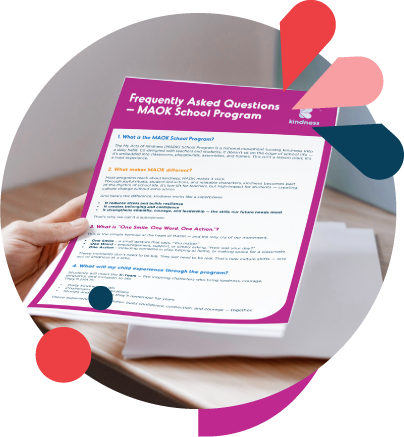
Program support materials for staff
Printing packages and physical resource orders
These resources reflect the program materials outlined in the Schools Program deck, including the complete toolkit, character-led learning, anthem and dance, and train-the-trainer support materials.
How to Use the Portal
The portal has been designed to make it easy for schools to find what they need and get started.
Step 1

Log In (Save Your Details)
You have now created a login make sure this is saved and you have added this page to your favourites, depending on what browser you are using.


Step 2

Complete Your School Details
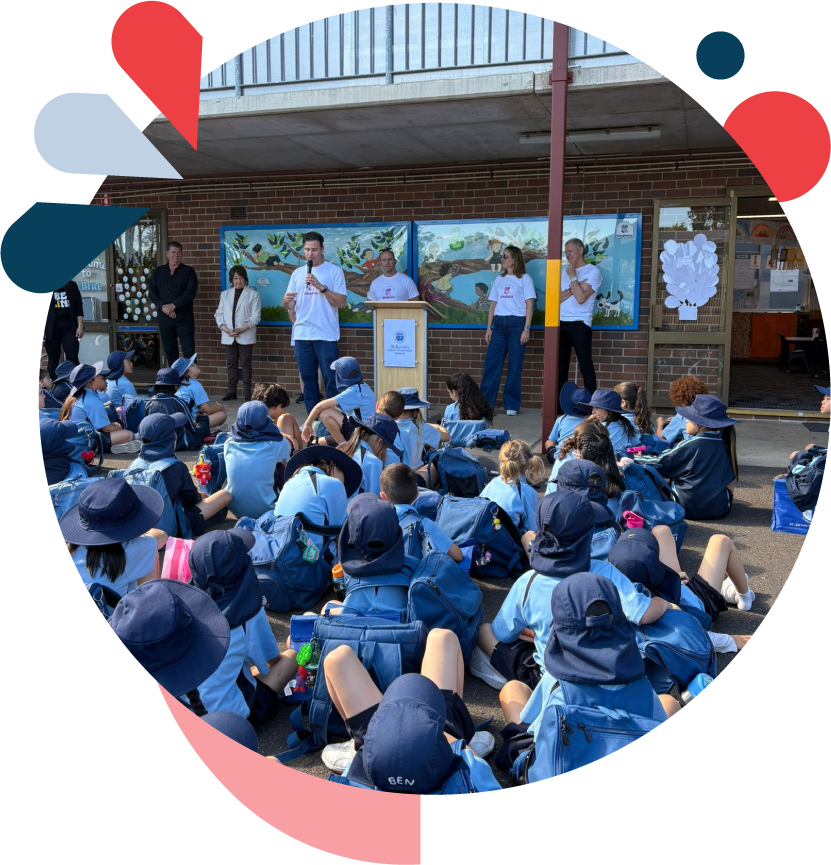
Before downloading resources or placing any print orders, complete your school profile.
You will be asked to provide key information such as:
School name
School address
Main contact person
Role/title
Email and phone number
Year levels participating
Estimated student numbers
Delivery details for printed materials
This helps us make sure your school resources and any print orders are set up correctly.
Step 3

Download Your Toolkit
From the portal dashboard, go to Toolkit & Resources.
Here you can download the materials your school needs to begin using the program, including:
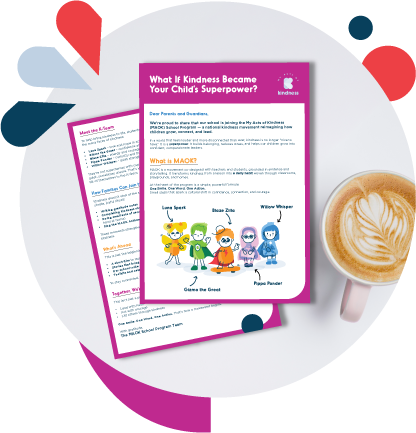
Teacher guides
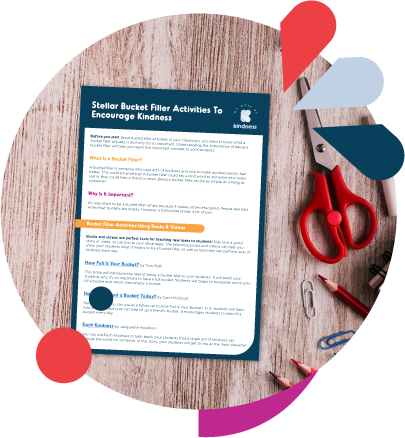
Daily kindness prompts
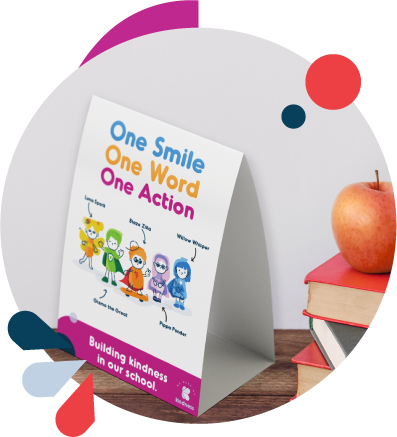
Assembly materials
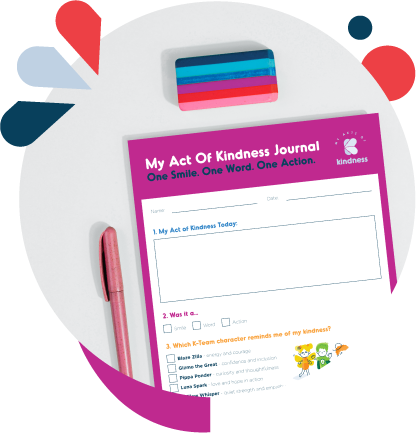
Posters and classroom resources
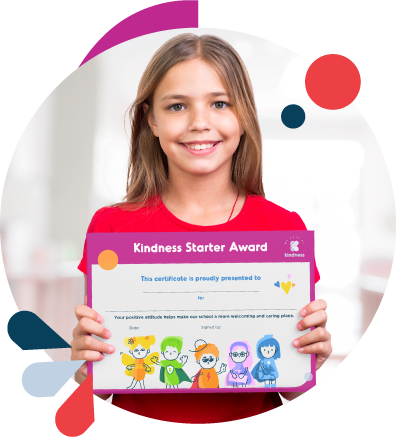
Certificates and recognition tools
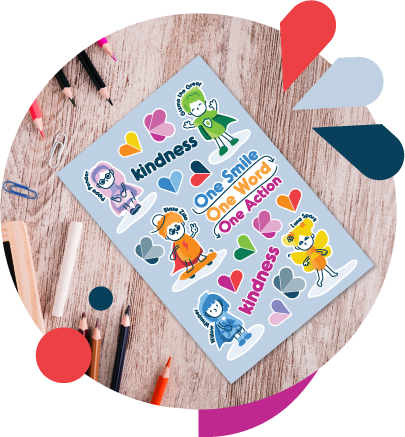
K-Team resources
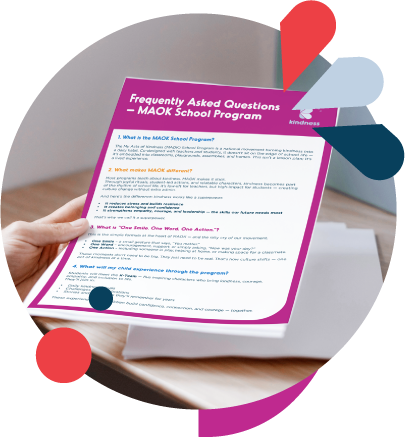
Launch support materials
The toolkit is designed to be practical and easy to use within the everyday rhythm of school life.
Step 4

Explore Program Resources
In the Resources section, you can access additional materials to support rollout across your school.
These may include:
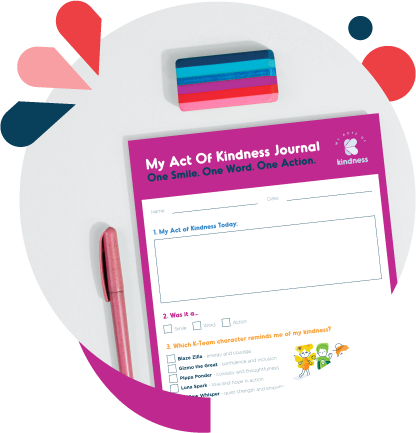
Classroom activities
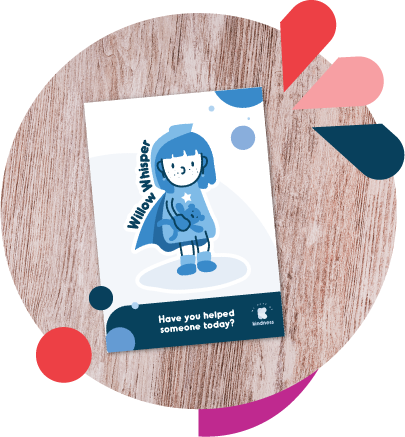
Family engagement resources
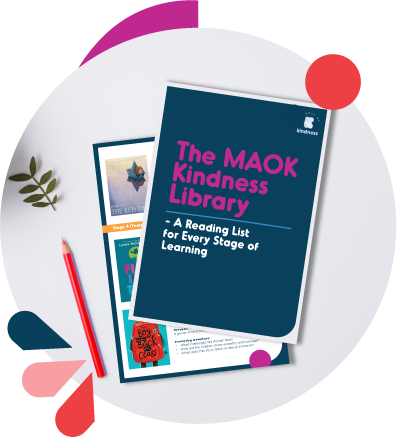
Kindness library materials
Train-the-trainer content
Staff support resources

Step 5

Order Printed Materials
If your school would like professionally printed program materials, you can order these through the Shop section of the portal.
Printed packages may include items such as: Posters, Certificates, Classroom cards, Visual prompts, Launch materials
Before adding a printing package to cart, schools must first complete their school information form in full.
This ensures we have the correct details for printing, packing and delivery.
Step 6



Submit Your Order
Once your school details are complete, you can select your printing package, review your order and add it to cart.
You will then be guided through checkout.
If anything is missing from your school profile, the portal will prompt you to complete that information before proceeding.

Need help?
If you are having trouble logging in, accessing resources, or completing your school information, please contact the MAOK team. (email to come)
We are here to help your school get set up and ready to begin.